
Use Hike as your QuickBooks POS
Hike is your best QuickBooks POS solution. Seamlessly sync sales, purchases, inventory, shift totals and gift card liabilities in Hike with your QuickBooks Online accounting software.
Do more with Hike and QuickBooks Online

Set up in minutes
With single sign-on feature offered by both Hike and QuickBooks, you can link your retail POS with your accounting software in just a few clicks.

Flexible
You can choose to sync individual transactions or daily register summaries. You have total control over how details are exported from your POS to your accounting software.

Automatic sync
All sales are automatically imported from Hike into QuickBooks Online. You can also choose to sync historical data from your Hike account.

Order Details
Each sale, returns and refund transactions you export from Hike into QuickBooks Online will include all line items, taxes and discounts.

Inventory sync
Automatically send all product details & movements from Hike to QuickBooks including inventory levels, purchase orders, and inventory adjustments.

'On account' sales
'On account' sales are sent to QuickBooks as outstanding invoices. EFT/Bank payments will automatically reflect in Hike via QuickBooks.
Cloud-based
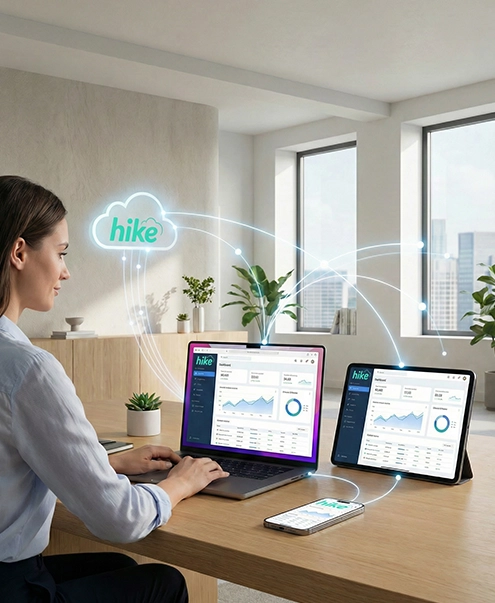
Hike and QuickBooks Online both work in the cloud, so you can access your business using any device and from anywhere. Access the same information on your computer, iPad or Android tablet so you can stay productive on whichever device you use throughout your day.
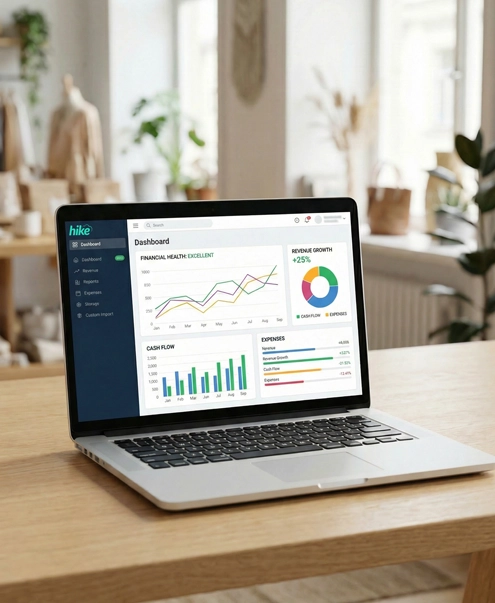
Next-gen accounting software
QuickBooks Online is the next-generation accounting software from Intuit, the world's number one accounting software for small businesses. It is easy to setup and even easier to use.

Using QuickBooks Desktop?
Migrating from QuickBooks's older desktop version to QuickBooks Online is easier than you think. All you need to do is simply make a copy of your data and import it to QuickBooks Online. For step-by-step instructions and further details, please get in touch with QuickBooks support team.